Customer service AI integration challenges are defined as the technical, organizational, and data infrastructure obstacles that prevent businesses from connecting AI systems effectively to existing workflows and delivering consistent, automated support. Integration complexity is the single biggest barrier to AI adoption, cited by 81% of CX leaders. That figure surpasses concerns about AI model quality or cost. Only 7% of leaders report clean, connected conversation data across their business, which means the majority of AI deployments start with a structural disadvantage. The real bottleneck is not the AI itself. It is the plumbing underneath it.
1. Why poor data accessibility tops the list of AI integration hurdles
Data fragmentation is the most common reason AI customer service projects fail before they gain traction. When customer history lives in separate CRMs, ticketing systems, and chat logs, the AI has no unified context to draw from. The result is generic, inaccurate responses that frustrate customers and erode trust.

Only 7% of CX leaders report easy access to conversation data across their business. That means 93% of organizations are asking AI to perform with incomplete information. Separately, 53% of leaders cite poor data quality as a direct obstacle to effective AI deployment.
The practical consequence shows up at handoff moments. A customer calls about a billing dispute, the AI handles the first exchange, and then transfers to a human agent. The agent has no record of what the AI discussed. The customer repeats everything. That friction is not an AI intelligence failure. It is a data pipeline failure.
- Siloed tools store customer history in disconnected databases
- AI lacks the context to personalize or escalate correctly
- Agents receive incomplete summaries after AI handoffs
- Data fragmentation produces generic answers that fail real customer scenarios
- Poor data quality compounds over time without active governance
Pro Tip: Audit your conversation data before deploying any AI. Map every system that stores customer interaction history, then build a unified data layer that the AI can query in real time. This single step removes the most common cause of AI response failure.
A well-structured knowledge base is not optional. It is the foundation the AI reads from. Without it, even a well-configured AI agent produces answers that are technically correct but contextually wrong.
2. How multi-system complexity blocks AI deployment in customer service
Enterprise AI customer service does not run on a single connection. The AI must interface with an average of 8–12 backend systems, including CRMs, order management platforms, billing tools, authentication services, and knowledge bases. Each connection introduces its own failure modes.
80% of the work in building an AI customer service system involves managing state, workflows, API error handling, and security. Only 20% is the AI reasoning layer itself. That ratio surprises most business leaders, who budget primarily for the AI model and underestimate the infrastructure cost.
Infrastructure and integration overhead typically costs 3–5 times the initial model development budget. A project that looks affordable at the proof-of-concept stage becomes significantly more expensive once real system connections, error recovery logic, and security layers are added.
The demo trap
The “demo trap” is one of the most costly mistakes in AI deployment. An AI performs well in a controlled demo using clean, curated data. The same AI then fails in production because real customer data is messy, inconsistent, and spread across multiple systems. This gap between demo and production is a leading cause of early project failure.
Workflow orchestration requirements
Effective AI integration requires workflow orchestration that handles multi-step, conditional processes. A single customer interaction may trigger a refund check, an account lookup, an escalation rule, and a follow-up email. Each step must include failure recovery, auditability, and the ability to reverse an action if something goes wrong.
| Integration requirement | Why it matters |
|---|---|
| Authentication management | Prevents unauthorized access across connected systems |
| API rate limiting | Stops the AI from overloading backend services during peak volume |
| Error handling and recovery | Keeps workflows running when one system goes down |
| Audit trail and reversibility | Meets compliance requirements and allows error correction |
| Multi-channel routing | Directs interactions correctly across chat, voice, email, and SMS |
Pro Tip: Before selecting an AI platform, map every backend system the AI must connect to and document the authentication method, rate limits, and failure behavior for each. This exercise reveals integration gaps before they become production incidents.
Effective multi-channel execution requires tailored handling for each channel. A voice interaction has different latency requirements than an email thread. An SMS response has different length constraints than a chat window. AI systems that treat all channels identically produce poor results across all of them.
3. What organizational and cultural obstacles block AI adoption
Technical integration is only half the problem. The organizational side of AI adoption creates friction that no amount of engineering can fix. Misaligned priorities between leadership and frontline teams are a primary driver of failed rollouts.
Supervisors prioritize efficiency and scale, while frontline agents deal with increased workload and insufficient training during the transition period. That gap produces resistance, workarounds, and low adoption rates. The AI gets deployed but never used correctly.
The most damaging misconception is treating AI as software to install rather than as a trained colleague that requires ongoing management. Companies that appoint a dedicated manager to oversee AI learning loops consistently outperform those that treat deployment as a one-time event. Without daily feedback and correction, AI response quality stagnates or degrades.
Common organizational barriers include:
- No dedicated owner for AI performance and quality
- Frontline agents not trained to work alongside AI tools
- Leadership measuring AI success by cost reduction alone
- No process for agents to flag incorrect AI responses
- Automation framed as replacement rather than support for human agents
- Language and tone not adapted for the brand’s specific customer base
- Change management treated as an afterthought rather than a core workstream
Human empathy still outperforms AI when customers face emotional or complex issues. Businesses that ignore this reality and push full automation into sensitive service areas generate complaints and churn. The goal is a human-AI balance, not full replacement.
4. Common pitfalls in AI customer service implementation
Most AI customer service automation issues are not caused by bad technology. They are caused by poor implementation decisions made before the AI is ever deployed.
Trying to automate everything at once
The most common mistake is scoping the first AI deployment too broadly. Teams attempt to automate every customer interaction simultaneously instead of starting with one or two high-volume, low-complexity workflows. The result is a system that handles nothing well. AI can manage 65%–80% of repetitive support tasks when implemented with proper integration and a 90-day optimization period. That success rate requires a focused starting point.
Skipping knowledge base preparation
Deploying AI without first auditing the knowledge base is the equivalent of hiring a new employee and giving them no training materials. The AI answers from whatever content it can access. If that content is outdated, inconsistent, or incomplete, the AI produces answers that are wrong at scale.
Ignoring tone of voice training
AI agents that respond in a flat, generic tone damage brand perception. Skipping tone of voice training is one of the ten most common implementation mistakes. Customers notice when the AI sounds nothing like the brand they chose to do business with.
Pro Tip: Run a tone audit on your top 50 most common customer interactions before training your AI. Identify the exact phrases, formality level, and empathy signals your best human agents use. Feed those patterns directly into your AI configuration.
- Start with one workflow, not the entire support operation
- Audit and update the knowledge base before AI training begins
- Define tone of voice guidelines and test them with real interaction samples
- Build a feedback loop so agents can flag AI errors daily
- Plan for compliance requirements, including audit trails and data retention, before go-live
- Address multilingual support from day one if your customer base is not English-only
- Set measurable success criteria before deployment, not after
Treating AI as a managed service rather than a static software install changes the entire outcome trajectory. The AI improves continuously when someone is accountable for its performance.
5. How AI adoption pressure is reshaping integration timelines
The pace of AI adoption in customer service is accelerating faster than most integration teams can respond. AI is projected to manage 50% of digital customer service interactions within three years, and 80% within five years. That projection creates real pressure on IT managers to build integration-ready infrastructure now, not after the next budget cycle.
The risk of waiting is not just competitive. It is operational. Teams that delay integration work face larger data debt, more complex legacy system entanglement, and higher costs when they eventually move. The infrastructure gap compounds over time.
Speed does not equal responsiveness in AI customer service. Rapid replies that force customers to rephrase their questions do not resolve issues effectively. A fast but contextually wrong answer is worse than a slightly slower, accurate one. Integration quality directly determines whether AI speed translates into customer satisfaction or customer frustration.
The customer service automation benefits that leaders cite in case studies are real. They are also contingent on getting the integration layer right first. Businesses that invest in data connectivity, workflow orchestration, and ongoing AI management before scaling see those benefits. Businesses that skip those steps see the complaints.
Key Takeaways
Successful customer service AI integration requires solving data accessibility, multi-system connectivity, and organizational alignment before scaling automation to avoid the failures that affect the majority of deployments.
| Point | Details |
|---|---|
| Data accessibility is the core blocker | Only 7% of leaders have clean, connected conversation data; fix this before deploying AI. |
| Infrastructure costs exceed model costs | Integration and operations typically cost 3–5 times the initial AI model development budget. |
| Organizational alignment is non-negotiable | Appoint a dedicated AI manager and train frontline teams before go-live. |
| Start narrow, then scale | Deploy AI on one or two focused workflows first; broad automation attempts fail consistently. |
| Speed without context fails customers | Fast AI responses that lack context produce worse outcomes than slower, accurate ones. |
What we have learned building AI customer service systems
The conversation about AI in customer service gets dominated by capability demos and automation percentages. What gets less attention is the unglamorous work that determines whether those capabilities ever reach a real customer.
The 80/20 reality is the most important thing we have seen in practice. Eighty percent of the effort in any AI customer service deployment goes into integration, data plumbing, and workflow logic. Twenty percent goes into the AI itself. Most organizations budget the inverse. They spend heavily on selecting and configuring the AI model, then discover that connecting it to their actual systems costs three to five times more than anticipated. By that point, the project is either over budget or scoped down to something that cannot deliver the original promise.
The organizations that succeed treat AI like a new team member, not a software license. They assign someone to manage it daily. They review what the AI got wrong each week. They update the knowledge base when products change. They track tone drift when the AI starts responding in ways that do not match the brand. That level of ongoing management is not glamorous, but it is the difference between an AI that improves over time and one that quietly erodes customer trust.
The other pattern we have observed is that patience at the start pays off at scale. Teams that spend 60 to 90 days on data cleanup, knowledge base auditing, and workflow mapping before deploying AI consistently outperform teams that rush to launch. The first group hits their automation targets. The second group spends those same 90 days firefighting production failures.
The businesses that will win with AI customer service are not the ones with the most advanced models. They are the ones with the cleanest data, the clearest workflows, and someone accountable for AI quality every single day.
— Mediabloom
How Mediabloom approaches AI customer service integration
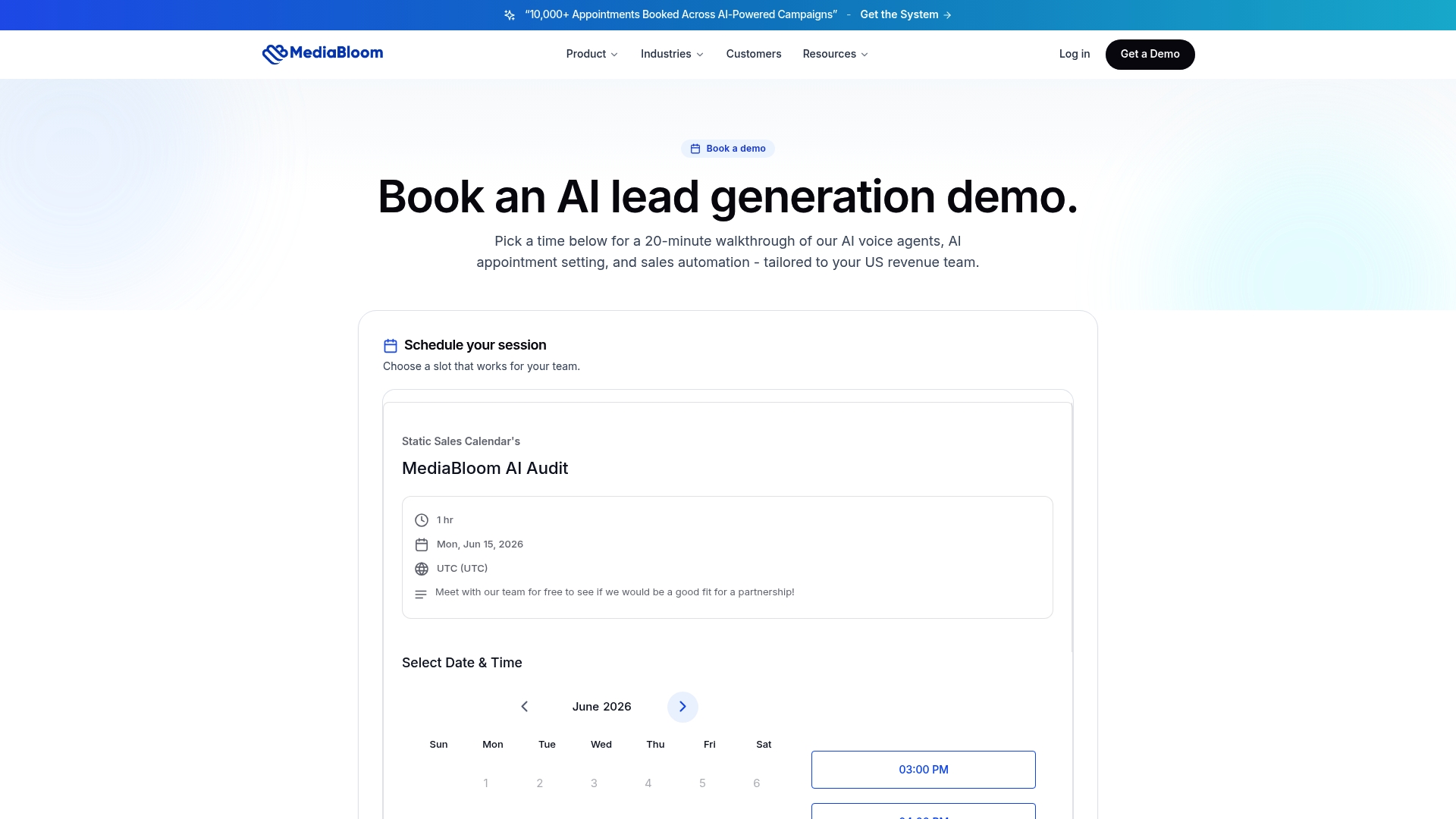
Mediabloom builds and manages AI customer service systems for businesses that need results, not just a deployment. The platform integrates AI voice agents, chatbots, and sales automation across SMS, email, and chat in a single managed environment. Clients like Miracle Ear and 1-800 Accountant have used Mediabloom to generate over 10,000 monthly leads, with the integration and optimization work handled by Mediabloom’s team rather than left to internal IT resources. For business leaders evaluating what a production-ready AI deployment actually looks like, the AI integration case studies show the full picture. To see the platform in action, watch an AI agent demo and evaluate the capability against your specific workflows.
FAQ
What is the biggest barrier to AI adoption in customer service?
Integration complexity is the top barrier, cited by 81% of CX leaders. It outranks AI model quality and cost as the primary reason deployments stall.
Why does customer service AI fail after a successful demo?
The “demo trap” occurs when AI performs well on clean, curated data but fails in production with real, messy customer data. The gap between controlled demos and live environments is a leading cause of early project failure.
How much of repetitive customer support can AI automate?
AI can handle 65%–80% of repetitive support tasks when implemented with proper integration and a 90-day optimization period. That rate requires a focused starting scope and an ongoing management process.
What organizational steps are needed before deploying AI in customer service?
Appoint a dedicated AI manager, train frontline agents on working alongside AI tools, and build a daily feedback loop for flagging incorrect responses. Treating AI as a managed service rather than a one-time install is the defining factor in long-term success.
How should IT managers prioritize AI integration work?
Start with data accessibility. Map every system storing customer interaction history, build a unified data layer, audit the knowledge base, and document all backend system connections before configuring the AI. Infrastructure work done upfront prevents the majority of production failures.