
Pick a scheduling link when visitors already know what they want and just need an open slot. Pick a chatbot when you need to qualify, route, or answer questions before booking makes sense. Gartner’s case study on generative-AI deployment and Pew Research’s findings on chatbot adoption both point to the same conclusion we build around at MediaBloom: most businesses need both, deployed as layers rather than competing tools.
TL;DR:
- Calendar sync issues can cause double bookings, and real-time updates are crucial for scheduling links, while chatbots can handle provisional holds.
- Scheduling links are best for known, repeat customers, whereas chatbots excel in qualifying new prospects and routing inquiries effectively.
- Combining chatbots and scheduling links in a layered workflow improves flexibility, especially for mixed audiences or complex routing scenarios.
- Implementation complexity, including intent mapping and multi-channel support, generally requires days to weeks, with costs rising with customization and compliance needs.
- Ensuring human escalation paths and transparent data policies is vital, as most customers expect the option to connect with a human and proper privacy safeguards.
Table of Contents
- How scheduling links and chatbots behave in practice
- Which workflow fits your booking scenario
- Integration and setup: what to test before launch
- Implementation effort, timeline, and cost drivers
- Privacy, data use, and where human handoff matters
- Decision checklist for choosing your approach
- How we approach omnichannel booking at MediaBloom
- What the research actually tells you to prioritize
- Get a working demo of omnichannel booking
- FAQ
- Sources
How scheduling links and chatbots behave in practice
A scheduling link exposes your calendar availability directly. The visitor picks a slot, gets a confirmation, and the meeting lands on both calendars. No conversation required, no qualification step, just an open door to your availability.
A chatbot works differently. It asks questions first: what you need, when you’re available, which team you should reach. Only after that exchange does it offer times, or route you to a human, or close the loop with a transfer to voice support.
The operational risks differ too. Links suffer from calendar sync delays that can cause double bookings before the system catches the conflict. Chatbots suffer from ambiguous intent: a visitor typing “next week sometime” forces the bot to guess or ask a follow-up, which adds friction a link never would.
G2’s analysis of YouCanBookMe found that calendar-connected scheduling tools reduce back-and-forth and prevent most double bookings, but reviewers flagged slow calendar syncing and limited flexibility for certain meeting formats as recurring complaints.
Here’s how the two stack up on the dimensions that matter during a buying decision:
- Sync reliability: links depend entirely on real-time calendar sync; chatbots can hold a slot in a pending state while confirming details.
- Context capture: links capture only name, email, and time; chatbots capture intent, budget range, or symptom details before booking.
- Channel reach: links work anywhere you can paste a URL; chatbots extend to SMS, voice, and web widgets with conversation memory.
- Setup complexity: a link connects to one calendar in minutes; a chatbot needs intent mapping, escalation rules, and testing before launch.
Which workflow fits your booking scenario
Different teams need different starting points. Here’s where each option tends to win.
- Sales teams running demos: a link works when the prospect already said yes; a chatbot works earlier in the funnel, qualifying budget and use case before a slot even appears.
- Service businesses (salons, repair shops): a link handles repeat customers who know exactly what service they want; a chatbot handles new customers asking “do you fix this kind of problem” first.
- Healthcare intake: a chatbot or voice agent is often necessary because intake requires screening questions a bare link cannot ask.
- Field teams and after-hours callers: phone-based voice AI outperforms a link for callers who are driving, non-digital-savvy, or calling outside business hours when no one answers.
- Mixed audiences: a “link-first, chatbot-assisted” pattern works well, surfacing the link prominently while offering a chat option for visitors who have questions first.
Field-service businesses in particular benefit from combining scheduling tools with dispatch workflows, since crew availability changes throughout the day in ways a static link can’t reflect on its own.
Integration and setup: what to test before launch
Calendar sync is the detail that makes or breaks either approach. Confirm how your tool handles the sync window (how often it checks for conflicts), what happens when two people try to book the same slot seconds apart, and how it handles attendees added after the fact.
Channel matters too. A website widget behaves differently from an SMS flow or a voice agent: widgets can show a full calendar grid, SMS has to describe slots in text, and voice has to read them aloud and listen for a choice.
Before going live, run this checklist:
- Reschedule a confirmed booking and verify both calendars update.
- Book two overlapping invites at once to see which one wins.
- Convert a booking across time zones and confirm the displayed time matches the recipient’s zone.
- Test a group booking with three or more required attendees.
- Send an ambiguous or incomplete request to see how the system handles it.
Pro Tip: Run your live trial with real edge cases, not a scripted demo. A tool that handles a clean request well can still fail on a rescheduled, overlapping, or cross-time-zone booking.
Implementation effort, timeline, and cost drivers
A simple scheduling link can go live in minutes once it’s connected to one calendar. A conversational deployment with intent routing, escalation rules, and multi-channel support typically takes days to weeks, depending on how many workflows you’re automating.
Cost tends to scale with complexity rather than headcount alone:
- Number of calendars or seats connected.
- Whether voice channels are included alongside chat and SMS.
- Custom routing rules for different teams or departments.
- Managed services, ongoing optimization, and compliance requirements like HIPAA or SOC 2.
ROI shows up fastest in reduced back-and-forth, fewer no-shows from automated reminders, and higher conversion when qualification happens before the booking step instead of after.
Privacy, data use, and where human handoff matters
Gartner’s 2026 survey found that 87% of customers say companies using generative AI for customer service must provide access to a human agent, which means escalation paths aren’t optional for any chatbot handling bookings.
Before signing a contract, ask vendors to specify data retention windows, whether conversation data trains their models, who has access to collected information, and what deletion procedures exist on request.
The FTC has warned AI companies to uphold privacy and confidentiality commitments, with enforcement risk rising wherever vendors collect or misuse consumer or health data.
Minimum controls worth requiring:
- A documented human escalation path for any booking conversation.
- Clear disclosure that the visitor is talking to an AI system.
- A written data retention and deletion policy in the contract.
- Confirmation that conversation data isn’t used for model training without consent.
Pew Research also found that many U.S. adults avoid chatbots over privacy and accuracy concerns, which reinforces why keeping a booking link visible and chat optional tends to serve a wider audience.
Decision checklist for choosing your approach
Work through this order when deciding what to deploy first.
- Is visitor intent already known? If yes, start with a link. If no, a chatbot or qualification step comes first.
- Does the booking require routing to a specific person or team? Chatbots handle this; links can’t ask qualifying questions.
- Is your audience mixed between ready-to-book and still-deciding visitors? Deploy both, link-first with chat assistance available.
- Ask vendors about sync reliability, escalation design, data contracts, reporting depth, and whether pricing scales with seats or usage.
- Measure three numbers during your trial: booking completion rate, abandonment rate, and time-to-book from first contact.
Pro Tip: Treat the trial like production, not a demo. Run it for at least a week with real traffic before deciding which approach earns a permanent spot in your workflow.
How we approach omnichannel booking at MediaBloom
We build booking flows that combine voice agents, chat, and scheduling links under one system rather than treating them as separate tools, which is how our platform helps clients generate high volumes of monthly leads. We generally recommend link-first flows for audiences who already know what they need, and chatbot or voice-first flows when qualification or routing matters more than speed. A managed deployment through us includes onboarding, CRM integrations across 600 or more platforms, and compliance checks built for SOC 2 and HIPAA-ready environments.
What the research actually tells you to prioritize
The link versus chatbot debate gets framed as a product choice when it’s really a workflow design decision. Most of the advice floating around treats these as competing categories, as if picking one means rejecting the other. That framing misses the point entirely.

What the evidence actually supports: start with how much context a booking decision requires, not with which tool looks more advanced. A dentist’s office rebooking a known patient needs a link, not a conversation. A law firm taking new client intake needs qualification before anyone sees a calendar. Gartner’s human-escalation findings and Pew’s adoption data both point the same direction: chatbots earn their place only when they reduce friction, not when they add a layer of conversation nobody asked for.
The mistake we’d flag first is treating chatbot deployment as a one-time setup instead of an ongoing routing decision. Intent changes, audiences change, and the split between link traffic and chat traffic should get revisited quarterly, not locked in at launch.
— MediaBloom
Get a working demo of omnichannel booking
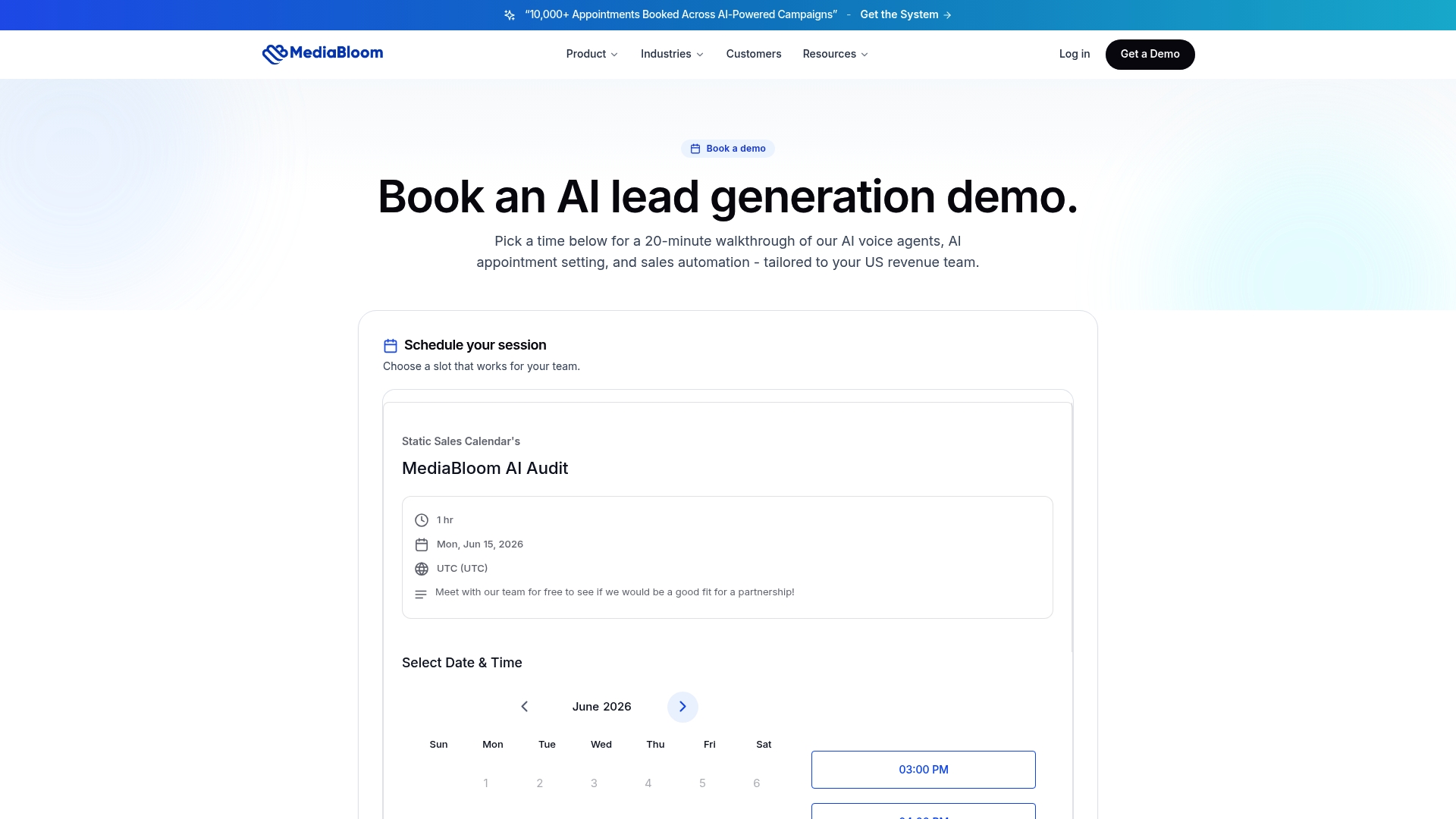
We put voice agents, chatbots, and scheduling links into one connected system so you’re not stitching together separate tools to cover the same job. Lead qualification, routing, and booking happen in the same workflow, with CRM integrations and compliance checks built in from onboarding. If you want to see how a pilot would fit your calendars and channels, watch an AI voice agent demo and we’ll scope the trial around your actual booking volume.
FAQ
What is the key difference between AI chatbots and search engines?
A search engine returns a list of links for you to sift through, while an AI chatbot has a conversation and can ask follow-up questions before giving you a direct answer or booking action. For scheduling specifically, a chatbot can qualify your request and route you to the right calendar, something a search result can’t do.
What is the most commonly used appointment scheduling system?
There’s no single system that dominates every industry, since calendar-connected scheduling links and chatbot-based booking both see wide adoption depending on the business type. G2’s analysis of YouCanBookMe shows one example of a widely reviewed scheduling tool, rated 4.7 out of 5 from 1,933 reviews as of May 2026.
What not to tell AI?
Avoid sharing sensitive personal details, payment information, or health data in a chatbot conversation unless the vendor has confirmed encryption, retention limits, and deletion policies in writing. The FTC has warned AI companies that mishandling this kind of data carries real enforcement risk.
Which AI app is best for scheduling?
The right choice depends on whether you need simple self-serve booking or conversational qualification before booking, since those are different jobs. For businesses that want both booking and qualification handled in one connected system, our chatbot solutions combine voice, chat, and calendar integrations under one platform.
Sources
- G2 product analysis — YouCanBookMe (May 2026)
- Gartner case study on generative-AI chatbot deployment
- Pew Research Center: Artificial intelligence in daily life — views and experiences (2025)