Round robin scheduling rotates each inbound lead or appointment slot to the next eligible rep in a fixed sequence, giving every rep an equal share of turns over time. It’s the right default for interchangeable rep pools or brand-new lead sources. Once volume and rep skill diverge, layer in weighting, caps, and SLA timers. Done right, it delivers faster speed-to-lead and demonstrably fair distribution, which keeps reps engaged and leads from going stale.
TL;DR:
- Most failures in round robin lead distribution occur when teams neglect to synchronize availability checks and calendar feeds, leading offline reps to receive leads.
- After 30 to 60 days of performance data, teams should shift from simple to weighted or capacity-based models to address imbalances and improve fairness.
- Routing should be completed within 60 seconds, and high-quality leads should be contacted within five minutes to maximize conversion potential.
- A pilot program lasting two weeks with daily monitoring helps identify configuration issues like calendar sync gaps or cap misalignments early before scaling.
- Ready-made platforms like Mediabloom streamline setup by integrating SLA timers, availability sync, and audit logs, reducing weeks of manual configuration time.
Table of Contents
- How Do You Set Up Round Robin Scheduling in Your CRM?
- Which Round Robin Model Fits Your Team?
- What Rules Should Run Before the Rotation?
- What Metrics Tell You Round Robin Is Working?
- How Do You Pilot Round Robin Before Full Rollout?
- What Does a Production Round Robin Deployment Look Like?
- What Do Ops Leaders Get Wrong About Round Robin?
- Get Round Robin Scheduling Running Without the Build
- Sources
- FAQ
How Do You Set Up Round Robin Scheduling in Your CRM?
Configuration order matters more than most teams expect. Get the sequence wrong and you’ll spend weeks debugging a routing engine that was never broken, just badly ordered.
- Define the eligible pool. Tag reps by skill, territory, or product line, and explicitly exclude named accounts that need dedicated ownership.
- Pick your base model. Simple rotation works for equal-cap pools; weighted or capacity-based models fit teams with uneven quotas or experience levels.
- Layer in availability checks. Sync calendars and PTO systems so offline reps get skipped automatically, not manually.
- Set active and daily caps. Cap the number of live leads or bookings per rep, and pair that with an SLA auto-reassign timer that kicks a lead to the next rep if it goes untouched.
- Build the fallback path. Decide what happens when every eligible rep is capped or offline. A holding queue beats a dropped lead every time.
- Turn on audit logging. Every assignment, skip, and reassignment needs a timestamped record you can query later.
- Test end to end. Push five to ten test leads through the full pool before go-live and confirm the sequence, caps, and reassign logic behave as configured.
Pro Tip: Run your first test batch during off-hours. It’s the only way to confirm your auto-reassign timer fires correctly without a live rep interrupting the test by manually claiming a lead.
Most round robin lead distribution failures trace back to skipping step three or four. Reps assume the system is broken when really it’s just missing an availability feed.
Which Round Robin Model Fits Your Team?
There are four practical models worth knowing, and picking the wrong one for your team’s structure is the most common setup mistake ops leaders make.
- Simple rotation cycles leads through reps in strict order. It’s easiest to explain and audit, and it works well for small, evenly-skilled teams handling short inbound contacts.
- Weighted rotation gives certain reps a larger share of turns, useful when tenure, quota, or specialization justifies more volume for specific people. It requires ongoing governance since weights drift out of date fast.
- Capacity-based (load balancing) rotation counts active workload instead of turns. A rep with five open deals gets skipped in favor of a rep with two, even if it’s not technically “their turn.” This model outperforms turn-based rotation whenever deal cycles vary wildly in length.
- Availability-aware rotation overlays live presence and time zone data on top of any of the above, which matters for multi-timezone teams or live chat handoffs where a rep needs to be at their desk right now.
The safest pattern: start with simple rotation, collect 30 to 60 days of performance data, then move toward a weighted or hybrid model once you know where the imbalances actually are. Guessing at weights on day one almost always overcorrects.
What Rules Should Run Before the Rotation?
Round robin should never be the first decision your routing engine makes. Gating logic filters the pool down to who’s actually eligible, and skipping this step is how good leads end up with the wrong rep.
- Score and filter first. Apply a lead-score threshold and source filter before rotation touches the lead, so low-intent traffic doesn’t consume a rep’s turn.
- Respect sticky ownership. Named accounts and territory matches should route directly to their owner. Round robin should never override established account ownership.
- Check language and time zone. A rep who doesn’t speak the lead’s language or is asleep at 2 a.m. shouldn’t be in the eligible pool for that lead.
- Build rejection-aware skip logic. If a rep declines or ignores an assignment, the system should skip them and route to the next eligible person, then let them re-enter the rotation after a reset window.
Most mature teams run this exact sequence: account match, then territory, then weighted round robin, with an escalation timer as the final safety net.
What Metrics Tell You Round Robin Is Working?
Four numbers matter more than the rest of your dashboard combined.
Speed-to-lead, or first contact time, is the metric that predicts whether a lead converts at all. Top-performing teams aim to make contact with high-intent leads in under five minutes, and routing itself should complete in under 60 seconds so the clock doesn’t start ticking before a human even sees the lead.
Assignments per rep over a rolling 30-day window is your fairness check. Pulling this report regularly is how you catch drift, whether from a rep quietly going inactive or a cap setting that’s out of sync with reality.
| Metric | What it signals | Action if off-target |
|---|---|---|
| Speed-to-lead | Routing or contact delay | Tighten SLA timer, check auto-reassign |
| Assignments per rep (30-day) | Rotation drift or imbalance | Adjust caps or shift toward weighted |
| Stale/uncontacted rate | Reps not acting on assigned leads | Trigger auto-reassign, review caps |
| Decline/cap exhaustion | Pool too small or thresholds too tight | Expand pool or raise caps |
When assignments per rep stay lopsided for more than two reporting cycles, that’s your signal to move from simple to weighted routing rather than tweaking caps indefinitely.
How Do You Pilot Round Robin Before Full Rollout?
- Start small. Run a two-week pilot with two to three reps and a single lead source, in parallel with your existing process so nothing falls through.
- Check daily during week one. Review assignments, speed-to-lead, and reassign events every day; move to weekly checks once the numbers stabilize.
- Watch for the usual early failures. Calendar sync gaps and out-of-office leaks are the two most common culprits behind a rep getting leads they shouldn’t.
- Set your expansion criteria. Stable SLA performance, balanced assignment counts, and a low reassign rate are your green light to scale beyond the pilot group.
A two-week pilot with daily feedback catches nearly every configuration problem before it reaches your full team.
What Does a Production Round Robin Deployment Look Like?
Mediabloom’s platform runs the full checklist above natively: SLA auto-reassign timers, calendar-based availability sync, active and daily caps, and a queryable assignment audit log. Its AI voice agents, chatbots, and omnichannel automation route leads across 600+ CRM integrations without a manual handoff. Clients including Miracle Ear and 1-800 Accountant have deployed this stack to generate over 10,000 monthly leads, giving ops leaders a working reference point rather than a theoretical model. The Fifth Avenue Leads case study shows one such rollout in practice.
What Do Ops Leaders Get Wrong About Round Robin?
Speed-to-lead and a transparent assignment log matter more than a perfectly balanced rotation. Put weight and cap changes on a review schedule, not ad hoc tweaks a manager makes after one bad week. Automate availability sync so it never depends on someone remembering to update a calendar. And when you’re deciding whether to switch models, trust pilot data over an opinion in a meeting.
— MediaBloom
Get Round Robin Scheduling Running Without the Build
Configuring caps, SLA timers, availability sync, and audit logs by hand across a growing rep pool eats weeks that most ops teams don’t have. Mediabloom gets you there faster: instead of stitching together your CRM’s native routing rules with a separate calendar tool and a manual spreadsheet for tracking assignment drift, the platform handles rotation, SLA auto-reassign, and reporting in one system already wired into 600+ CRMs.
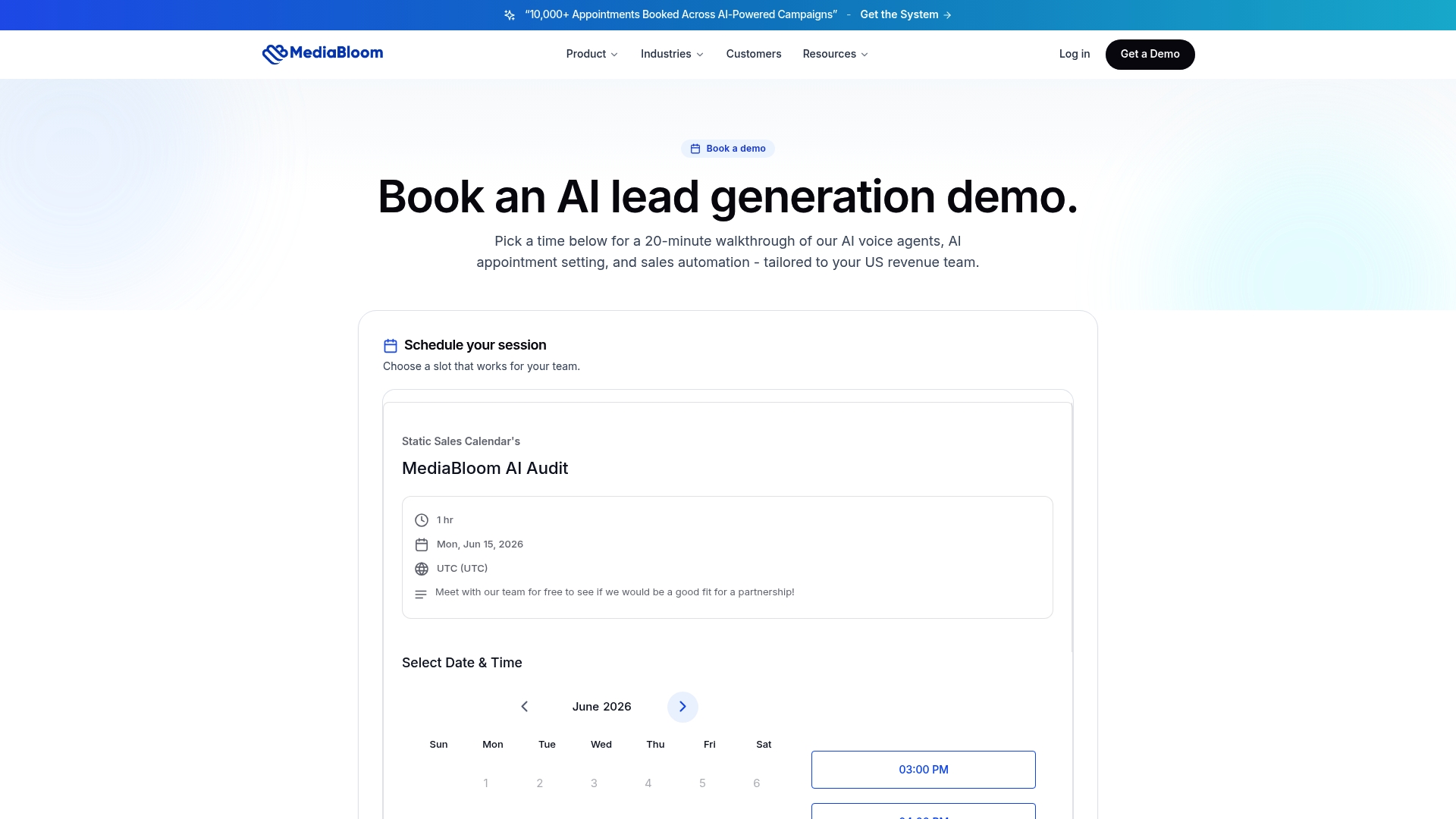
If you’ve read through the setup checklist above and are picturing the engineering time it’ll take to build weighted rotation and reassign logic in-house, that’s exactly the gap Mediabloom closes for teams like 1-800 Accountant. Browse the appointment-setting case studies to see how similar teams mapped these exact rules to production, then book a demo to see your own rep pool modeled inside the platform before you commit to anything.
Sources
- Round Robin Lead Distribution Best Practices
- Lead Routing Rules: Round Robin, Weighted | RevOps Report
- Round Robin Lead Distribution: How It Works and When to Use It | Lead Distro AI
- Round Robin Lead Assignment: 4 Models, When to Use
FAQ
What Is Round Robin Scheduling for Leads?
It’s a method that rotates each new inbound lead or appointment slot to the next eligible rep in a fixed sequence, so every rep gets an equal number of turns over time.
When Should You Use Weighted Instead of Simple Rotation?
Switch to weighted rotation once you have 30 to 60 days of performance data showing certain reps can reliably handle a larger share of volume based on quota, tenure, or specialization.
How Fast Should Leads Be Routed to a Rep?
Routing itself should complete in under 60 seconds, with high-intent leads contacted within five minutes to maximize conversion odds.
What Causes Round Robin to Feel Unfair to Reps?
Unreviewed weight or cap changes, calendar sync gaps that leave offline reps in the pool, and missing rejection-aware skip logic are the usual culprits behind lopsided assignment counts.
Does Mediabloom Support Round Robin Lead Routing?
Yes. Mediabloom’s platform includes SLA auto-reassign timers, availability sync, active and daily caps, and an assignment audit log, all integrated across 600+ CRM platforms.